Select Your Endpoints
The following endpoints are available with our API:
For more information please visit the endpoints page.
As a sidenote:
Authentication and authorization are negotiated using a
JSON Web Token (JWT).
Samtec will supply a JWT with the necessary claims.
Authenticate using documentation page
When you've selected an endpoint you'd like to authenticate and have traveled to that endpoint's page, you'll be met with an authentication button that looks like the button below:
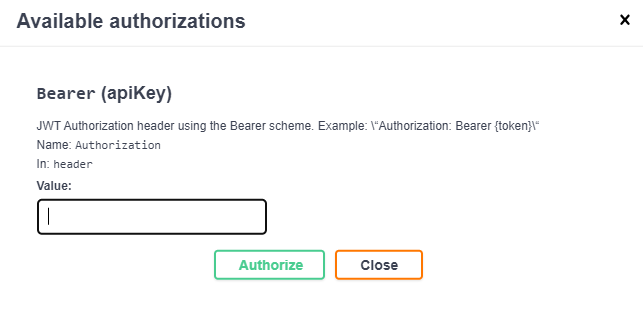
When you click the authorize button, enter the token you've received by email into the 'Value' input (as seen below). Then submit using the 'Authorize' button.
Start developing!
Congratulations! You're now authorized to use Samtec's API, follow the same process with any endpoint you may find yourself taking advantage of.
If you have any issues with your authentication, please email the Onboarding Team at apionboarding@samtec.com